
Updating Family Profile & Pickups
It is important we know the most up-to-date information regarding your student. Make sure to review your family information regularly and make changes when necessary.
Family Profile
-
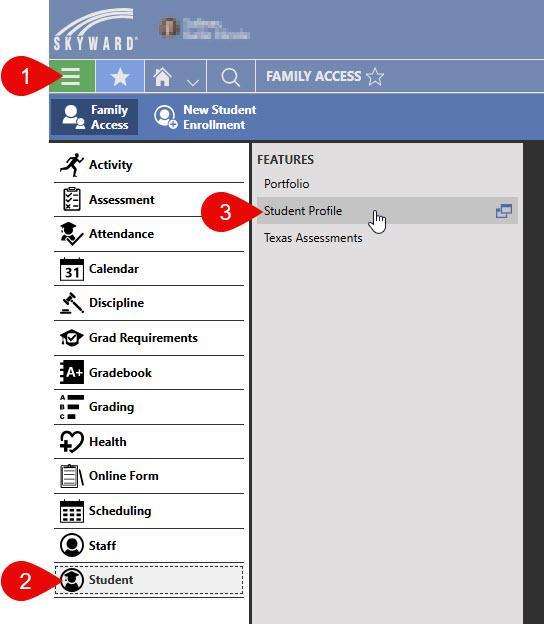
Click the "hamburger menu" icon
-
Select "Student"
-
In the FEATURES pop out click "Student Profile"
-
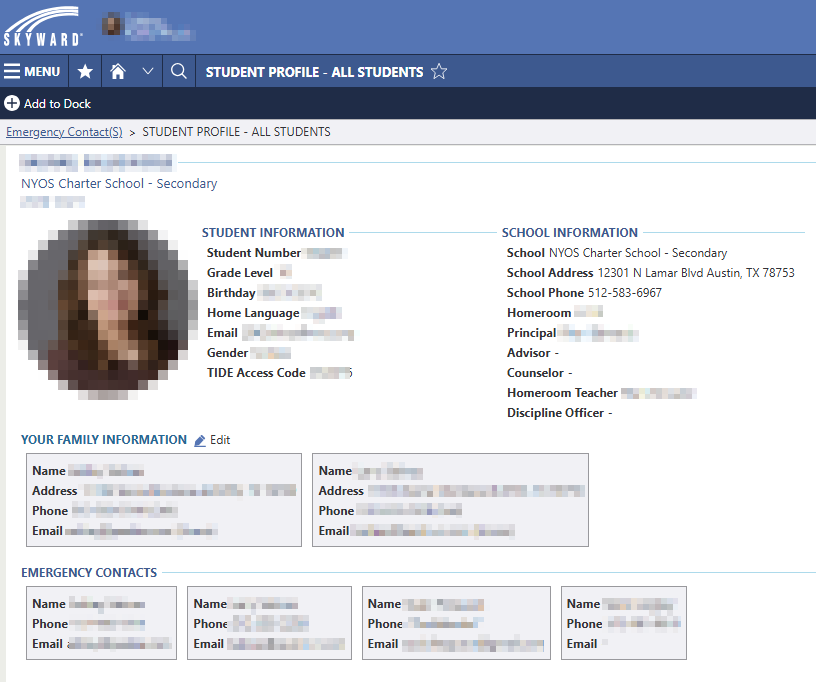
Click on the pencil icon next to the "YOUR FAMILY INFORMATION" header
-
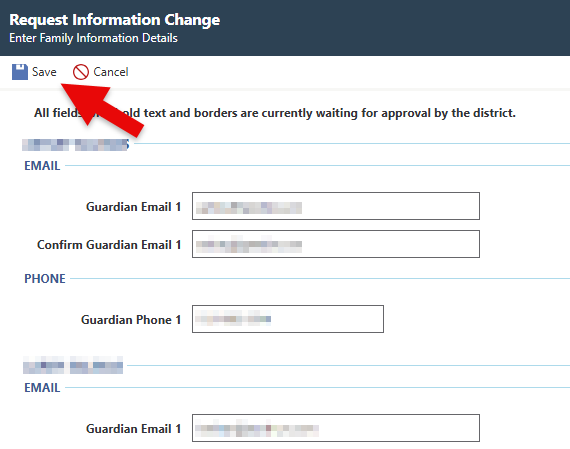
After making the necessary changes click the "Save" icon/button at the TOP of the form (weird location, right?).
Add/Update Guardians & Pickups
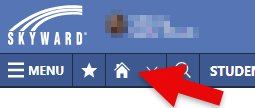
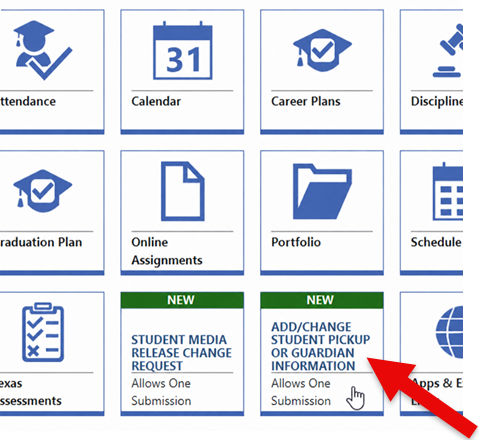
- If you aren't already on the Home Dashboard screen click on the Home icon at the top left of the screen.
- Find and click on the form icon for "Add/Change Student Pickup or Guardian Information"
- Make changes to the contact information as needed
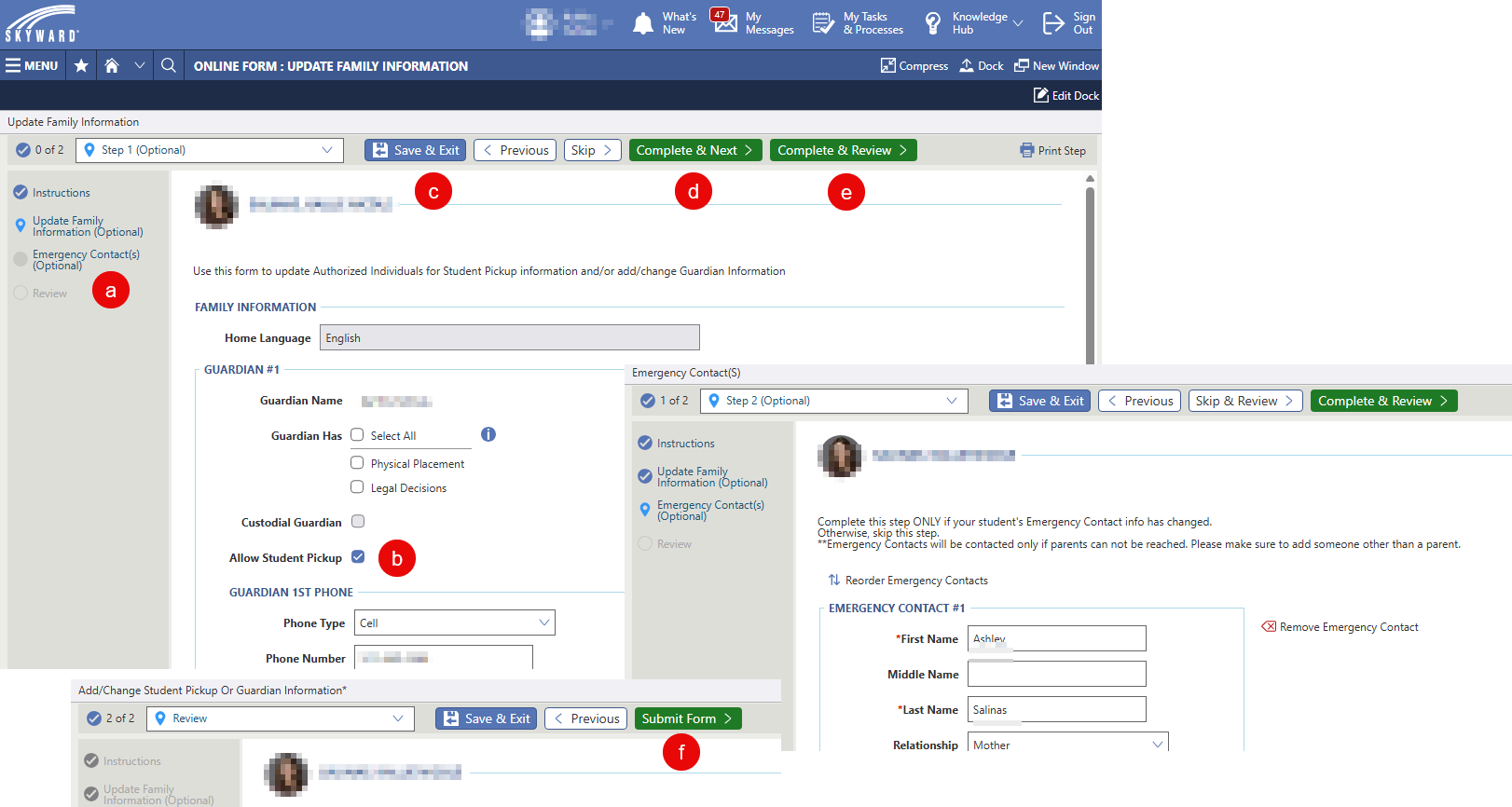
- Switch between Family Information and Emergency Contact(s)
- Set pickup allowance
- Click the "Save & Exit" to save your progress and come back later (this does not submit your changes)
- Click "Complete & Next" to move to the next screen (if any)
- Click "Complete & Review" to move to the final review screen
- Click the "Submit Form" to submit your changes